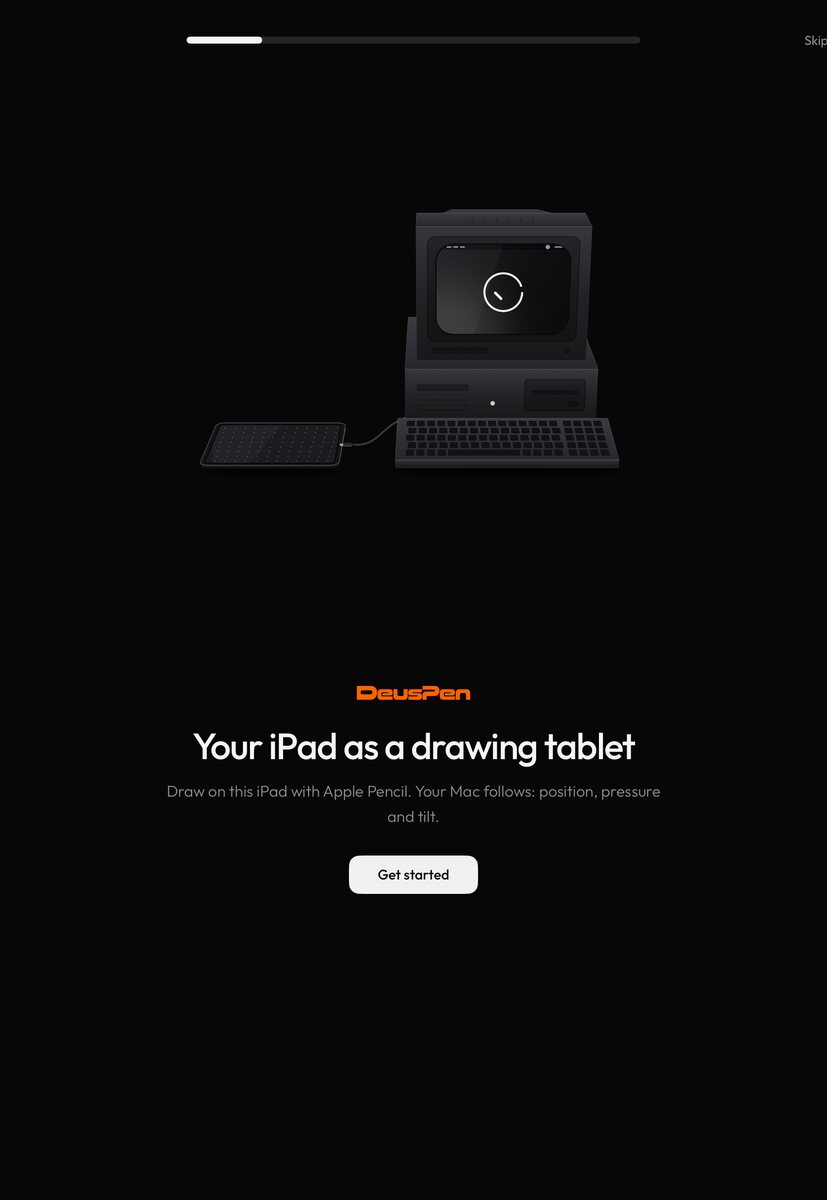
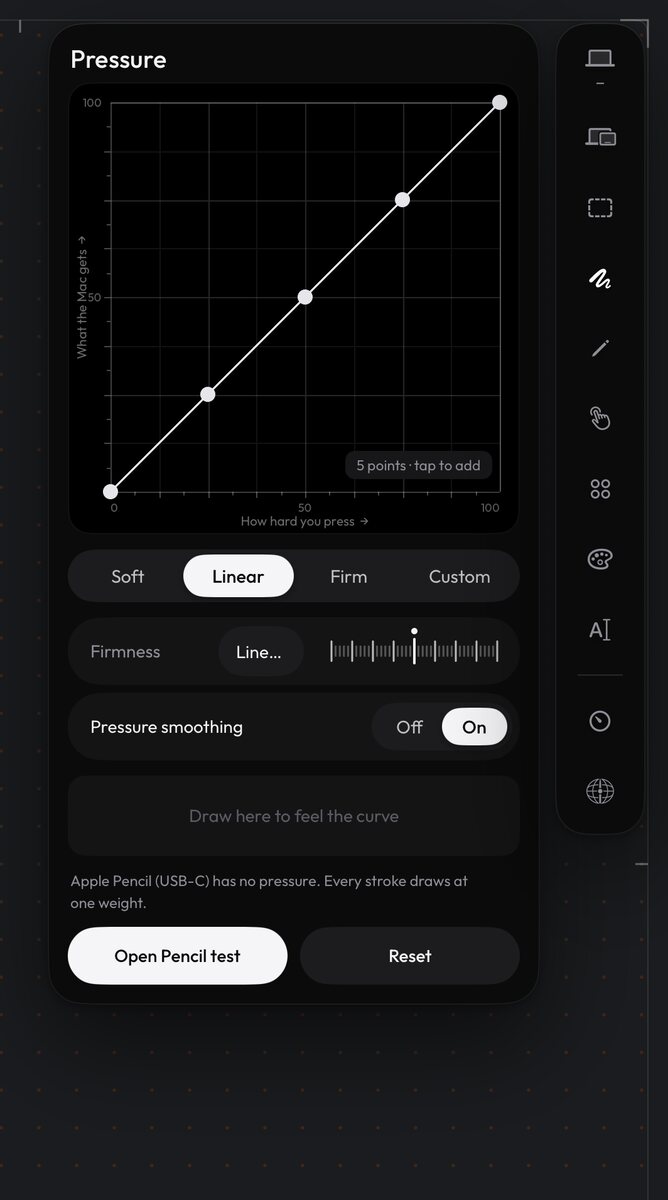
These are app screenshots rendered from the apps' own interface code: the iPad screens in Apple's iPad simulator, the Mac screens with the companion's snapshot renderer. Connection readings in them are sample values, not measurements.
iPad
Mac
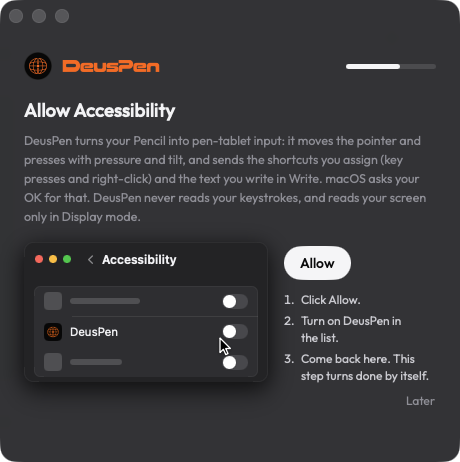
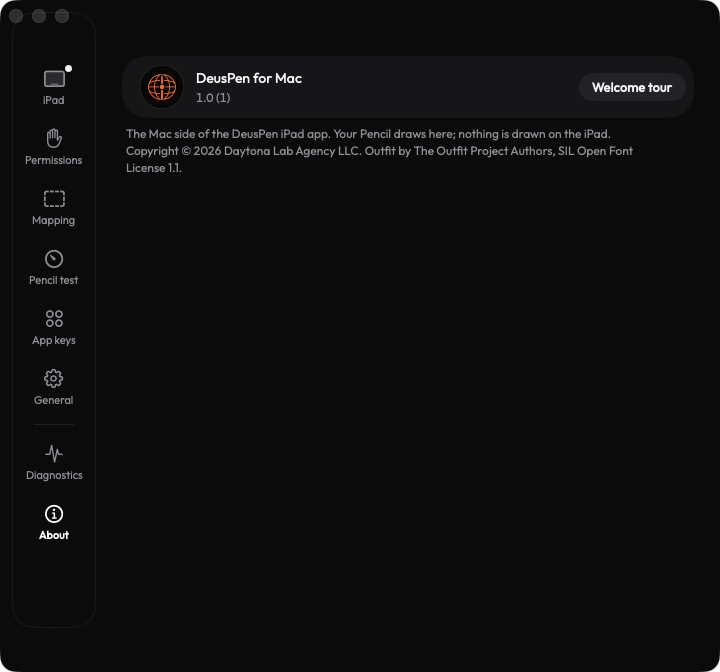
These are app screenshots rendered from the apps' own interface code: the iPad screens in Apple's iPad simulator, the Mac screens with the companion's snapshot renderer. Connection readings in them are sample values, not measurements.